Gravebound maps & objectives
Quick answer: you get timed objectives on a shared wasteland map, a storm cycle that punishes anyone caught outside, and an escape pod that extracts with or without you. Learn the markers, beat the clock, leave rich.
The storm: Gravebound's clock
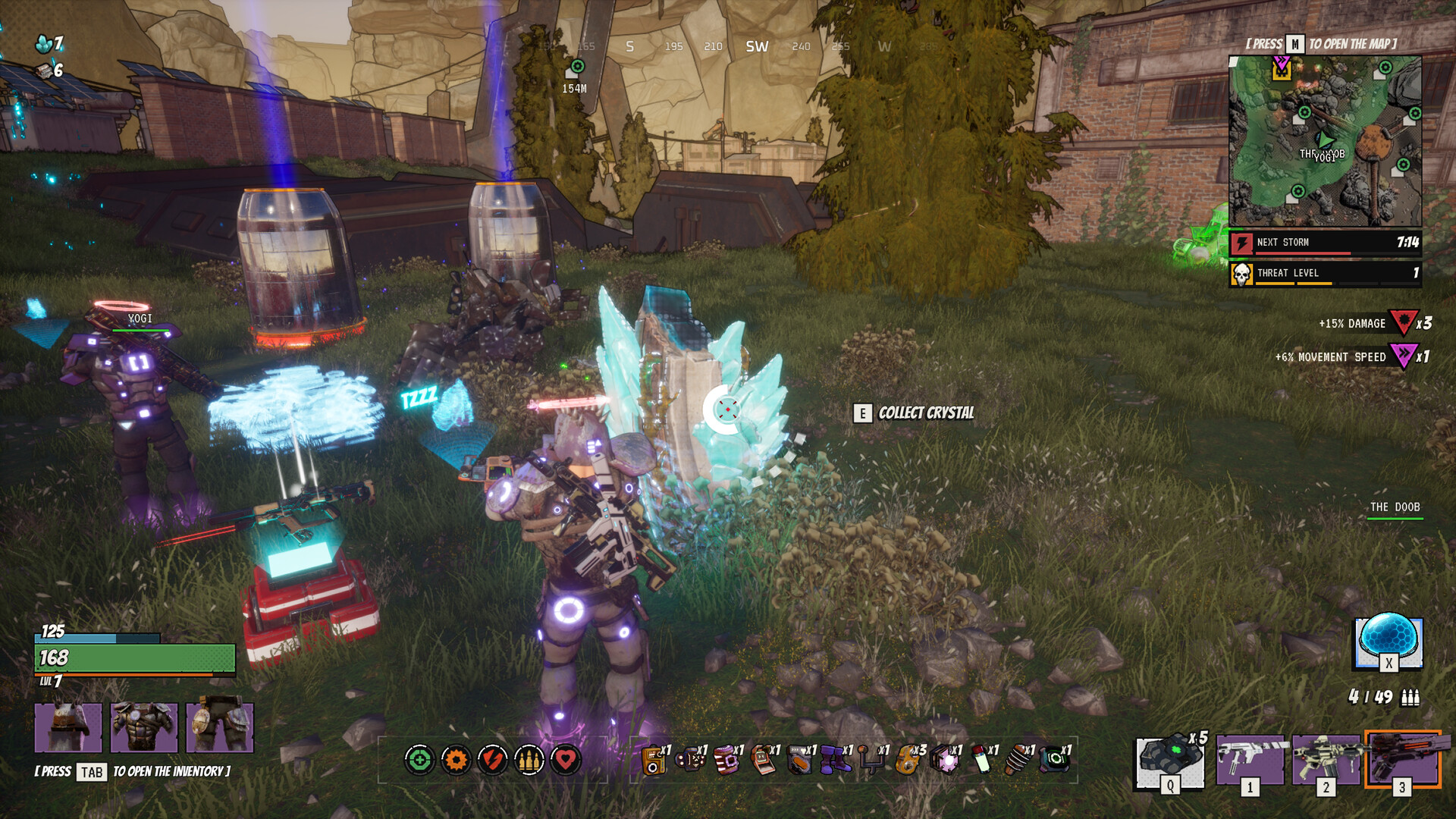
Official screenshots show a NEXT STORM countdown in the objective panel (observed at 7:25 and 7:14 — cycles are minutes, not seconds). Footage confirms what happens when it catches you:
"You're caught in the storm. Damage. Big damage." — Aztecross, pre-launch footage
- The storm hits hard, then passes ("the storm's already gone") — it's a recurring event, not a one-off circle.
- Storms/related events hand out buffs — players prioritize them: "that purple icon, that's the buff you're going to get… we need to prioritize certain buffs over other things. Prefer health, damage, movement." (reported strategy, not an official rule).
- Weather-tied pickups exist: screenshots show objectives like
COLLECT STORM CHARGER CELL.
Objective types seen in official screenshots
| Objective (in-game text) | What you do |
|---|---|
GET TO: THE OVERGROWTH 0:41 | Reach the named zone before the timer dies |
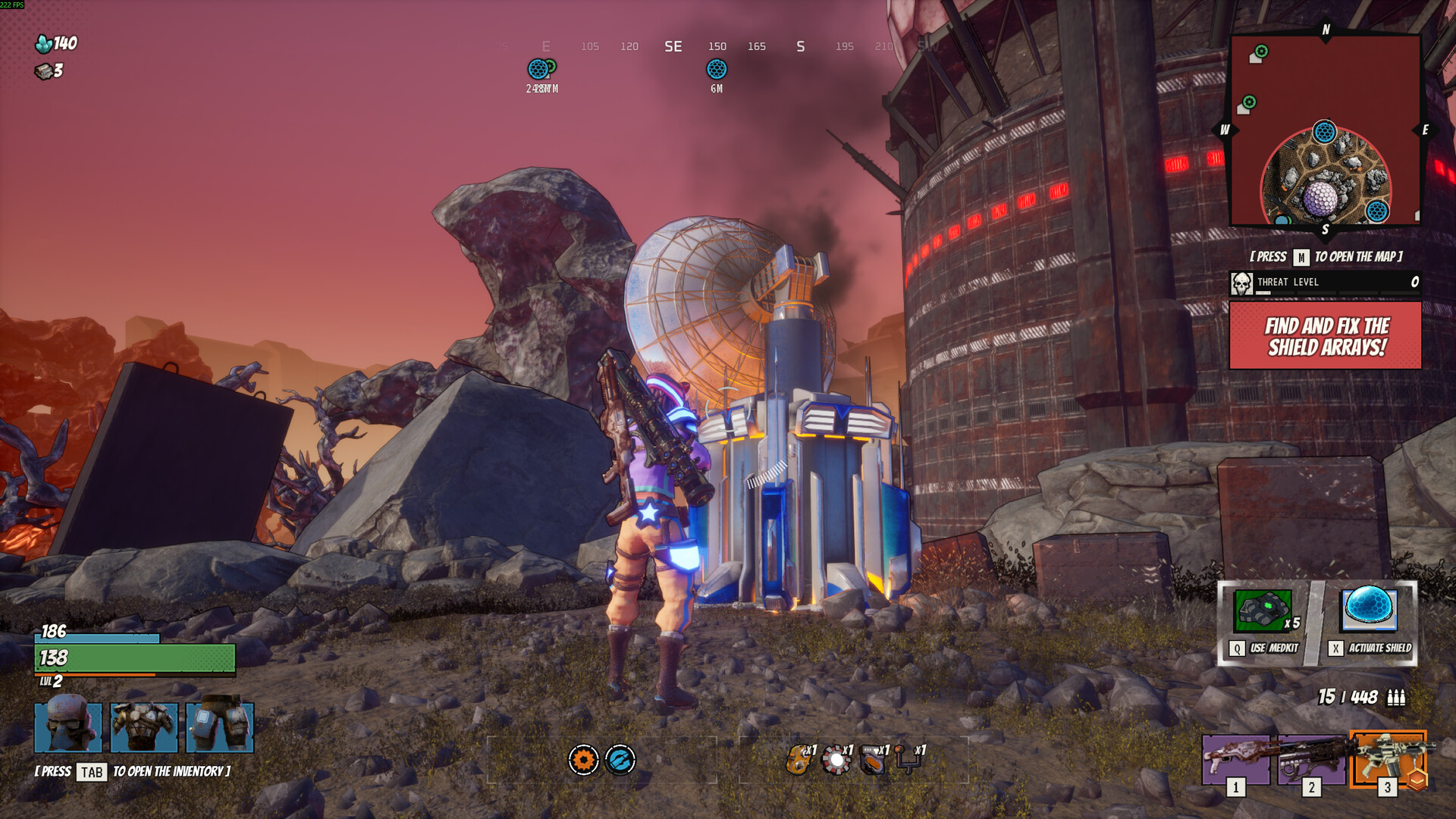
FIND AND FIX THE SHIELD ARRAYS! | Locate and repair shield arrays (event) |
COLLECT BLUE CHARGER CELLS! | Gather cells scattered in the area |
ADVANCE THE EXPLOSIVES CART | Push a cart objective (trailer still) |
COLLECT CRYSTAL | Bank crystals — your upgrade currency |
Objectives show up as a red urgent box with a countdown top-right — when it's red and ticking, the map wants something from you now.
Extraction: the escape pod leaves either way
The store pitch is "extract before the wasteland takes it all back," and footage shows the mechanism: an escape pod with its own departure logic — "That escape pod is extracting with or without you." Loot only counts once you're out, so treat the pod's timing like a hard floor under every run.
Reading the map
[PRESS M TO OPEN THE MAP]— full map; the HUD compass strip (top center) shows bearings in degrees.- Minimap (top right): player arrow, objective markers with distance (
1.9KM), red boss icons, and a green heart icon on at least one encounter (meaning not yet confirmed). - Ping system — squad tagging is in the game and used constantly in footage; there's no matchmaking voice guarantee, so ping early.
THREAT LEVELmeter under the minimap — how hot the area you're standing in is.