
Gravebound controls & settings
Quick answer: use Enter for chat, hold middle mouse or D-pad Up for the ping wheel, and choose your language at the login screen to apply it immediately.
Chat and pings
| Situation | Input and audience |
|---|---|
| Text during a raid | Press Enter. Living players speak to the raid. Downed or dead players speak to their squad. Messages fade after 15 seconds. |
| Text in the hub | Press Enter when at least two squad members are in the hub. Only the squad receives the message. |
| Quick map marker | Tap middle mouse or D-pad Up. |
| Call danger, ask for help, mark loot or show where you're going | Hold middle mouse or D-pad Up and choose Danger, Assist me, Loot here or Heading here. |
Pings last 10 seconds and show on the minimap, full map and compass. Place them from the world map when needed. Heading here draws a dashed line from the sender on the two maps. Match the ping color to the teammate's color. Controller players can see chat in 1.01 and use pings. Opening chat requires keyboard input.
Set up a private squad
- Form a squad of two or more and make the raid private to keep squad finder from filling open seats.
- Turn off Allow randoms if you want only players with your join code to enter the squad.
- If you need to remove someone, use Manage Squad before matchmaking. Squad finder won't place that player back with your squad for five minutes.
When a teammate drops mid-raid, let them try Reconnect before starting another queue.
Controller and language settings
- PlayStation controllers show PlayStation prompts automatically. Choose a different layout under Settings → Gamepad → Controller Hardware.
- LB/RB switch hub tabs, and Start opens or closes hub Settings. B closes the raid Inventory and dismisses Join by code, as does Escape for the latter on keyboard.
- At login, use the language dropdown in the top left. It applies instantly and saves your selection. Settings → Gameplay → Language inside the game applies after a restart.
- Non-English settings mute character lines by default. Toggle them under Settings → Audio → Mute Voicelines. Some server errors and enemy names in the kill feed still appear in English.
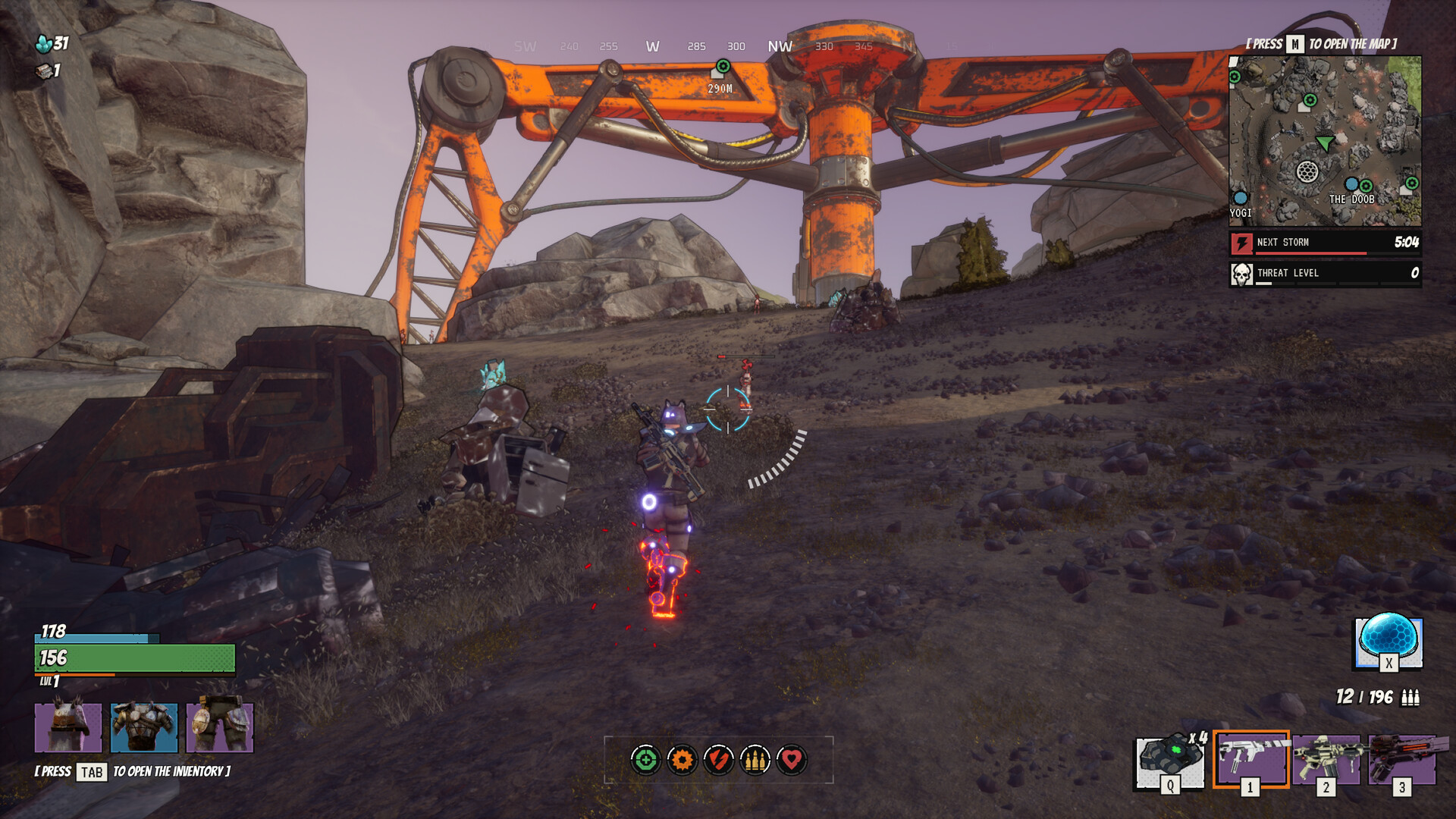
Raid shortcuts
Open the full map with M, Inventory with Tab and interact with E. Use 1, 2 or 3 for weapon slots. If inverted mouse aiming works when looking around but feels reversed through the scope, that matches the ADS issue players reported at launch.